
End-client delete
The "Delete Client" action can be performed through both the admin portal and the public API. However, it's important to note that only clients with a status of Lead or Rejected can be deleted. To delete a client, follow these steps:
Using the Admin Portal:
- Log in to the admin portal.
- Navigate to the client details page for the specific client you wish to delete.
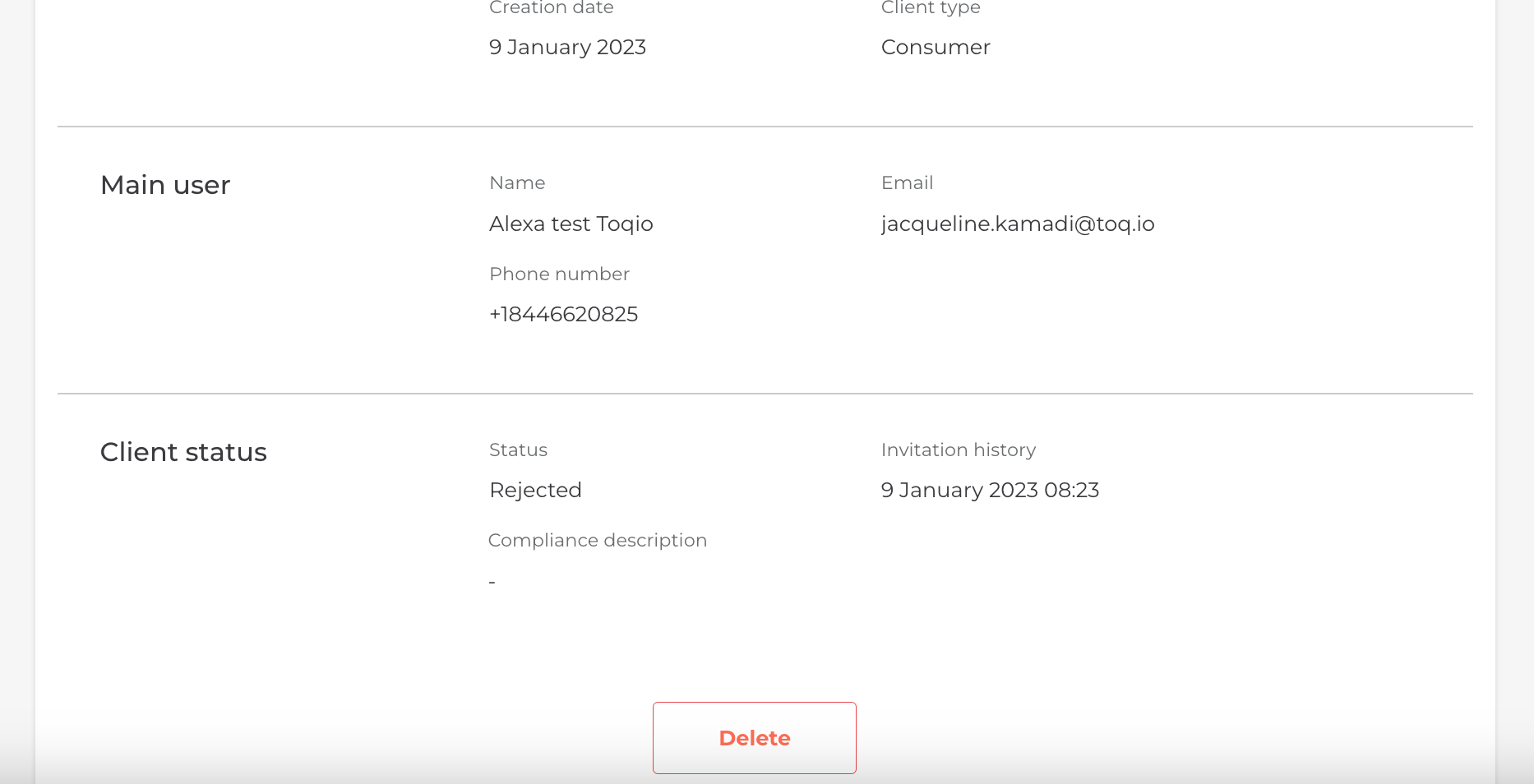
- Scroll down to the bottom of the page.
- Click the "Delete" button.
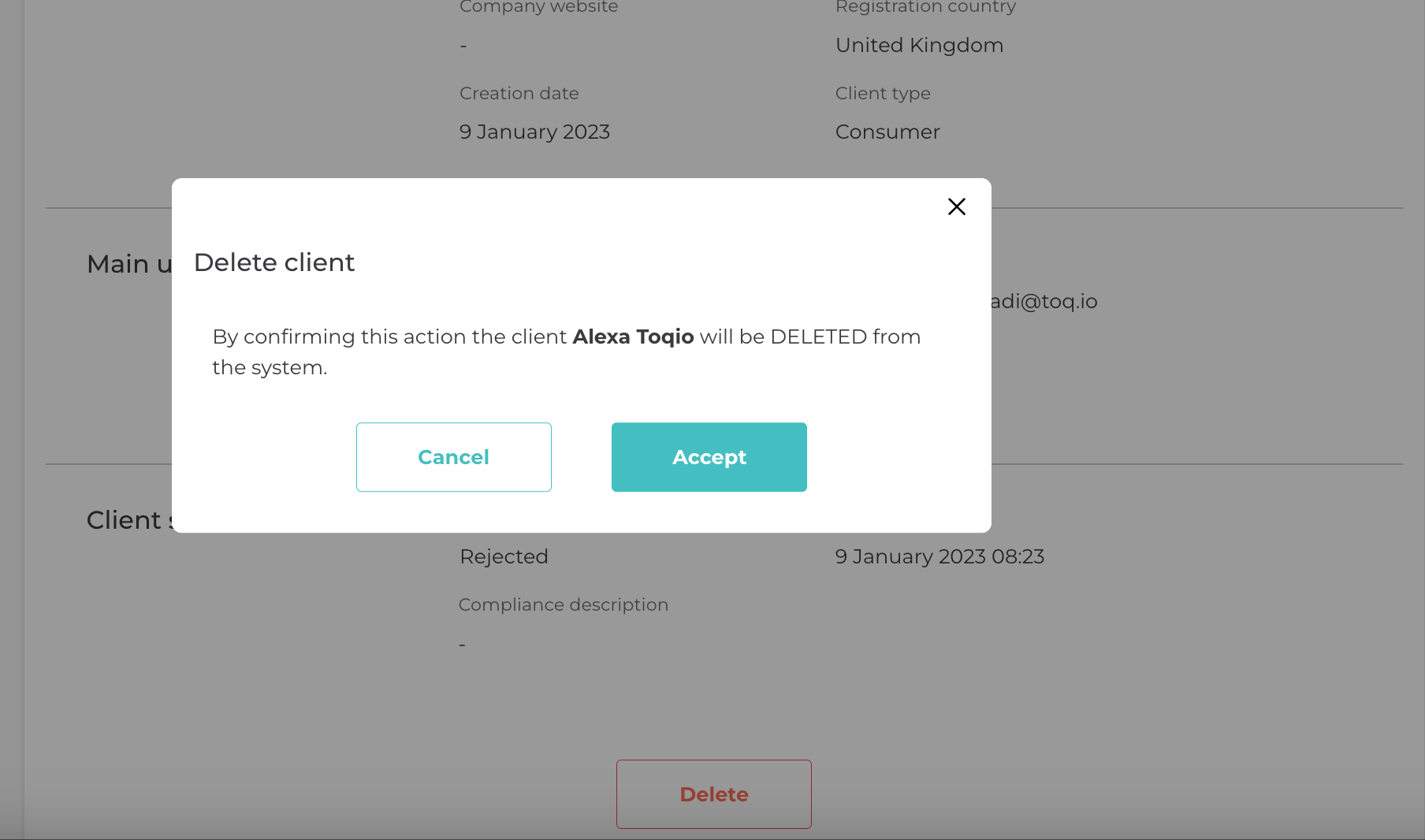
- A confirmation modal will appear: review the confirmation message.
- Click the "Accept" button.
The client will be successfully deleted.
Note: Deleting a client means that all associated data and access for the client will be permanently removed.
Updated about 1 year ago