
Admin user Activation
Admin user activation
Once the new Admin user is created successfully, they will receive an email inviting them to fill out the registration form:
- They must select the link to enter the form
- Define a username and password
- Select the 'Register' button
If the registration is successful, they will be redirected to the login form with the username and password pre-populated.
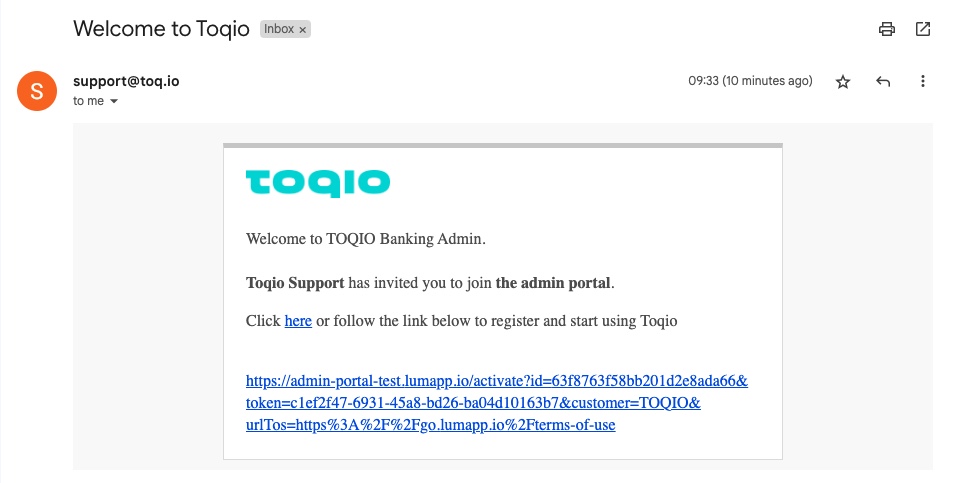
Email template
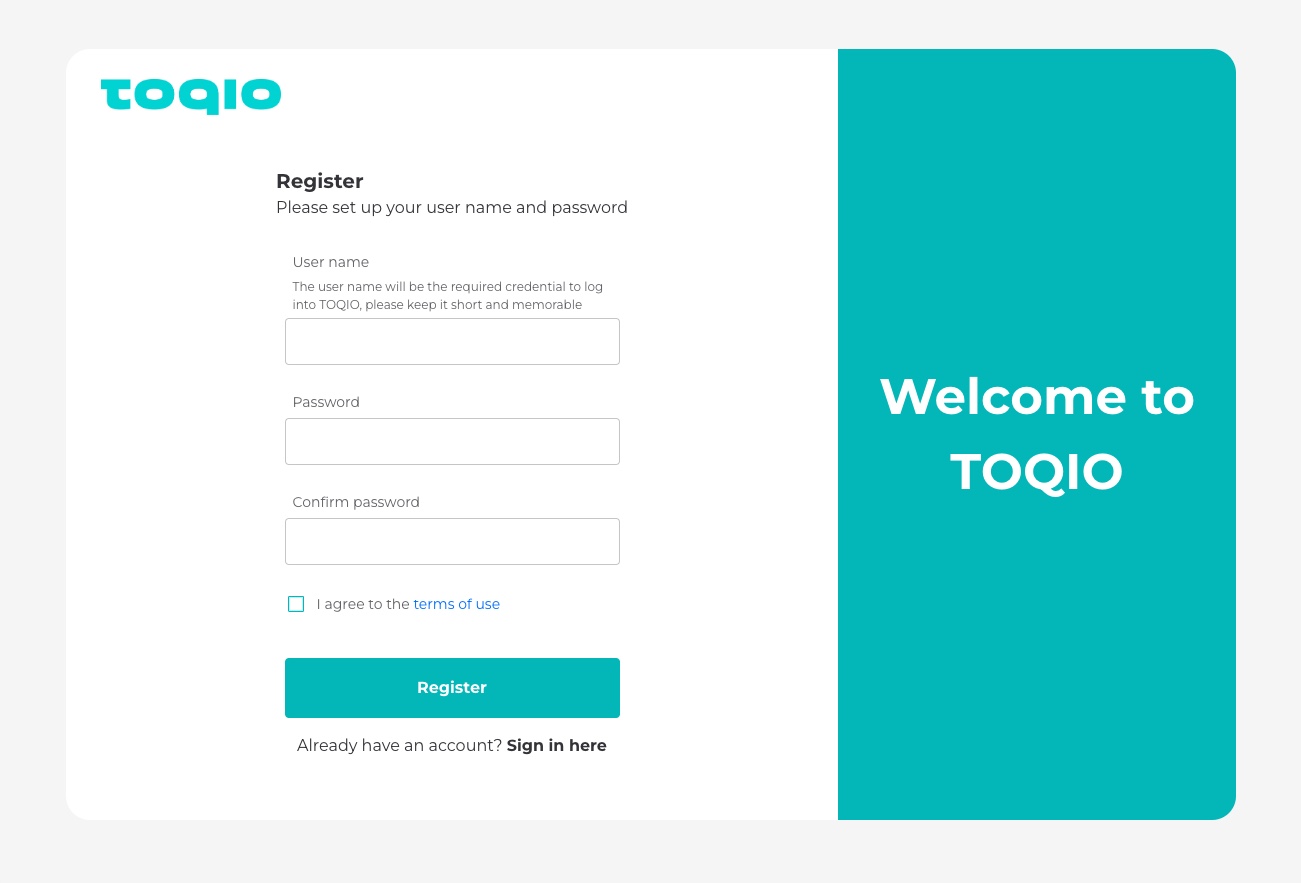
Credentials setup
Updated about 1 year ago