
End-client reject
The "Reject Client" action can be executed through both the admin portal and the public API. Before rejecting a client, please ensure the following conditions are met:
- Verify that the client's account balance is at 0.
- Ensure that there are no pending billing fees associated with the client.
- Confirm that the client's status is either Onboarding, Live, or Quarantine.
Once you have verified that the client meets these three criteria, you can proceed to reject the client using the following steps:
Using the Admin Portal:
- Log in to the admin portal.
- Navigate to the client details page for the specific client.
- Scroll down to the bottom of the page.
- Click the "Reject" button.
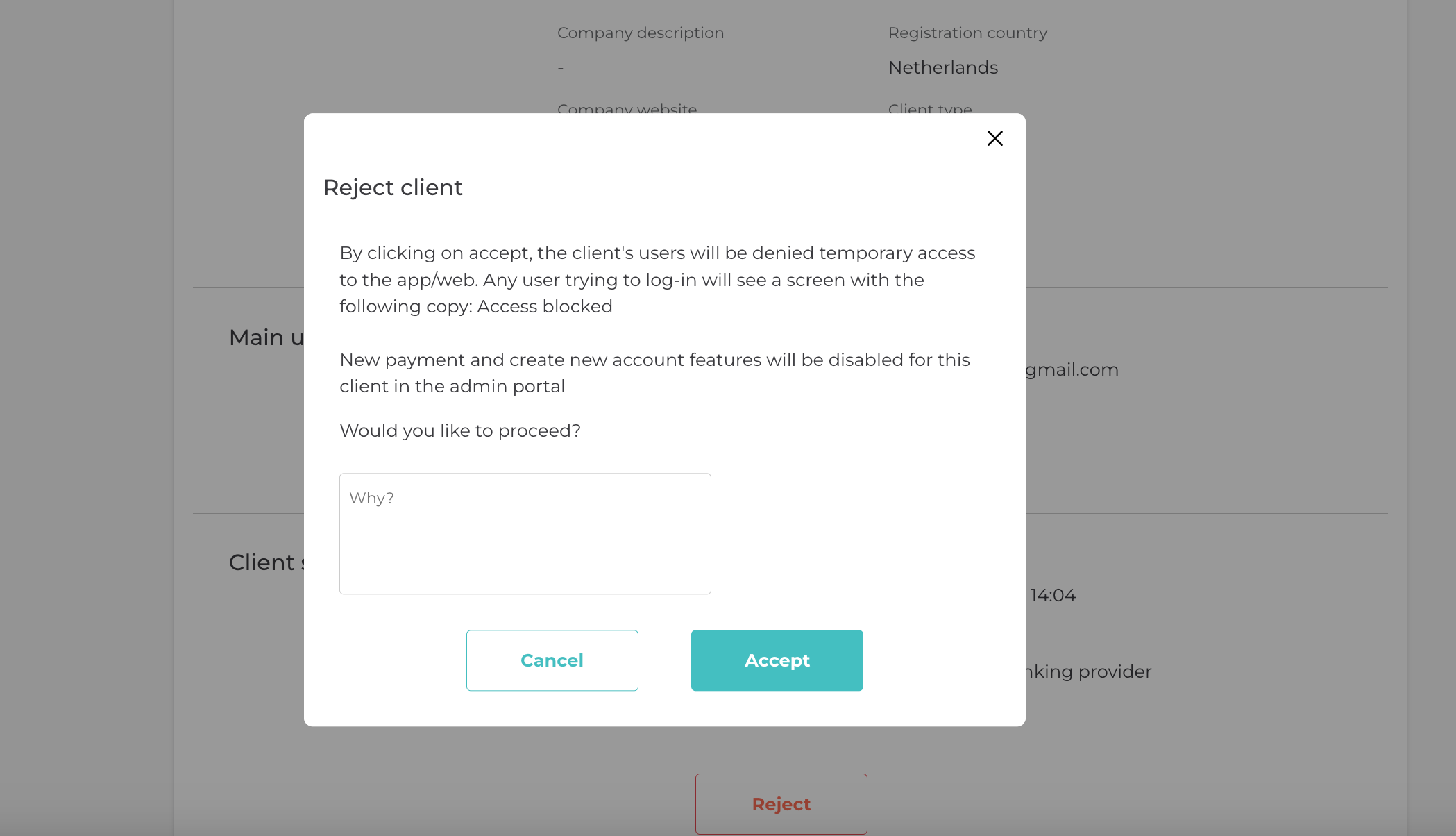
- A confirmation modal will appear: enter a reason for rejecting the client.
- Click the "Accept" button.
The client will be successfully rejected.
Note: Rejecting a client means their access to the platform will be denied the action can not be reverted, and they will no longer be able to use the services.
Updated about 1 year ago